Free
Your own Wi-Fi, no time limit.
Free
- Linked computers
- 1 computer
- Use away from your Wi-Fi
- Local network only
- Streaming quality
- Standard
- Connection priority
- Standard queue
Not a trial. It does not expire.
ZRemote turns your phone into a trackpad, keyboard, media remote, presentation clicker and live screen for your Windows computer. It finds your PC on the Wi-Fi automatically and every byte travels encrypted.
Not released yet · Free plan on your own Wi-Fi · Subscriptions will be sold in the app through Google Play
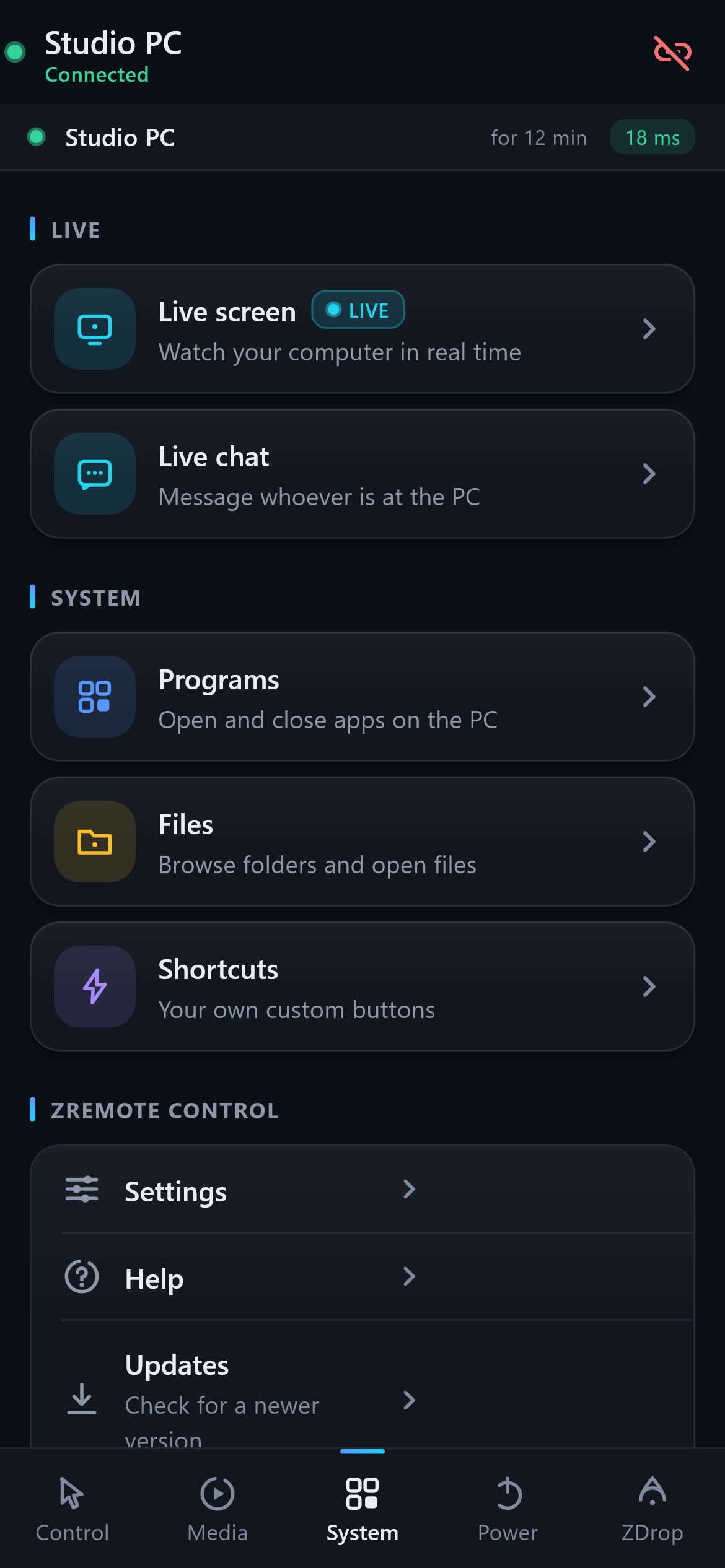
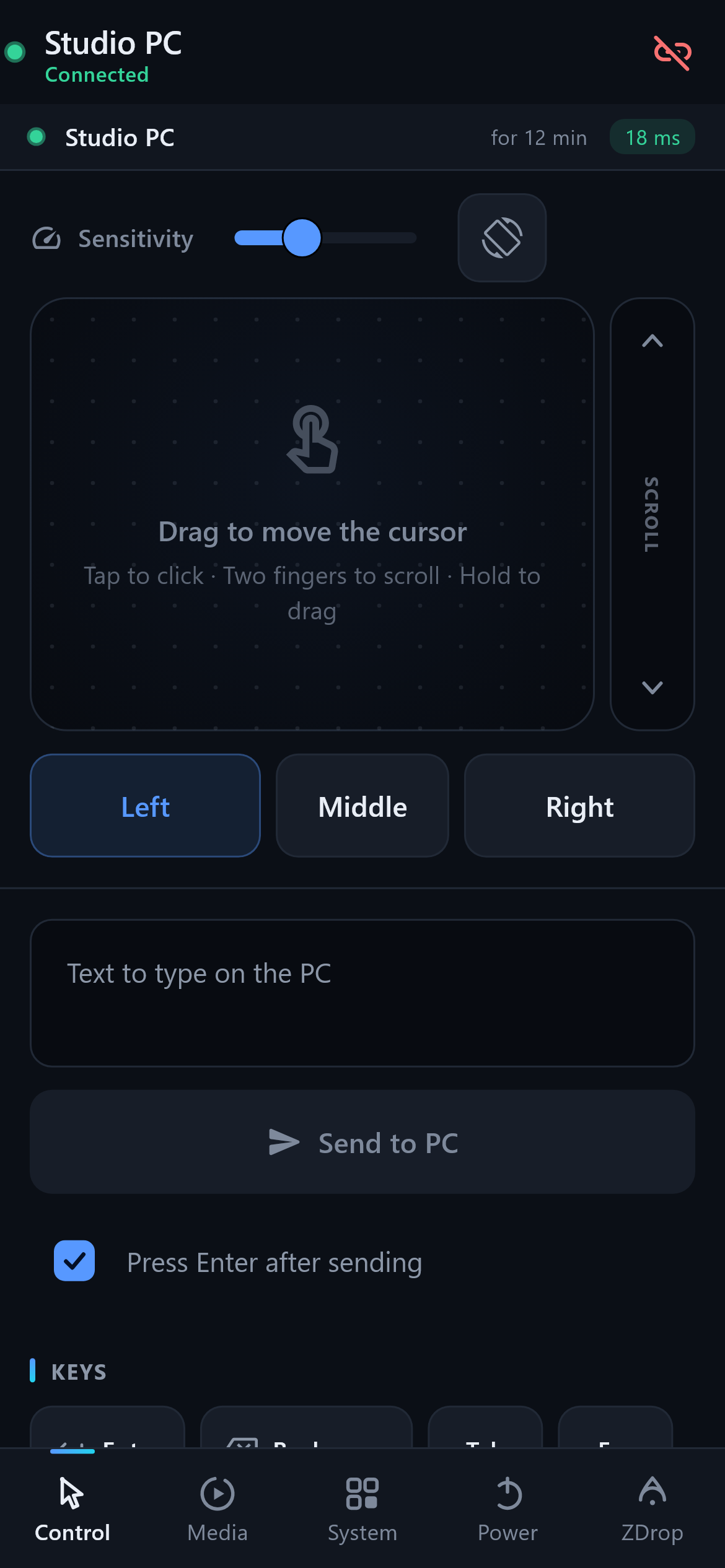
Not a stripped-down remote. ZRemote covers the things you actually do when you are away from the keyboard — and a few you did not think were possible from a phone.
Move, click, right-click, middle-click, scroll and drag-and-hold. Adjustable sensitivity, with haptic feedback on every tap.
Point the phone and the cursor follows. Perfect for a laptop plugged into the TV across the room.
Type and send, with Enter-on-send. Special keys, arrows, Esc, Tab, and one-tap combos like Copy, Paste and Alt+Tab.
Play, pause, skip, previous, volume and mute — it drives whatever is playing: Netflix, Spotify, YouTube, VLC.
Start the slideshow with F5, go forward and back, exit. Walk the room and keep your slides moving.
See your PC screen in real time, fullscreen, with the mouse cursor drawn in. Floating mouse and keyboard controls you can drag anywhere.
See what is running on the PC right now, launch apps by name or shortcut, and close what you no longer need.
Browse the drives and folders of your PC, open files with their default app, pull files down to the phone and push files up to a shared folder.
Send a message and a chat window pops up on the PC. Handy when someone else is sitting in front of it.
Build your own buttons: key combos, canned text, or launching a program. Your workflow, one tap away.
Shut down, restart, sleep, lock or sign out — each one behind a confirmation, so nothing happens by accident.
The app only sees PCs signed in to your own account. Someone else on the same Wi-Fi does not even appear in the list.
No router configuration, no port forwarding, no support ticket.
A single self-contained .exe — no .NET installation needed. It runs quietly in the system tray and can start with Windows.
Your cloud account keeps devices, plans and recovery in sync. Passwords are hashed, and sessions use short-lived tokens.
The phone broadcasts on the Wi-Fi and your computer answers. Sign in with the same account, tap the PC and you are in control.
Away from home? ZRemote first tries a direct encrypted route and can fall back to the cloud relay when your network blocks peer-to-peer access.
Dark, quiet, and built so the control you need is where your thumb already is.
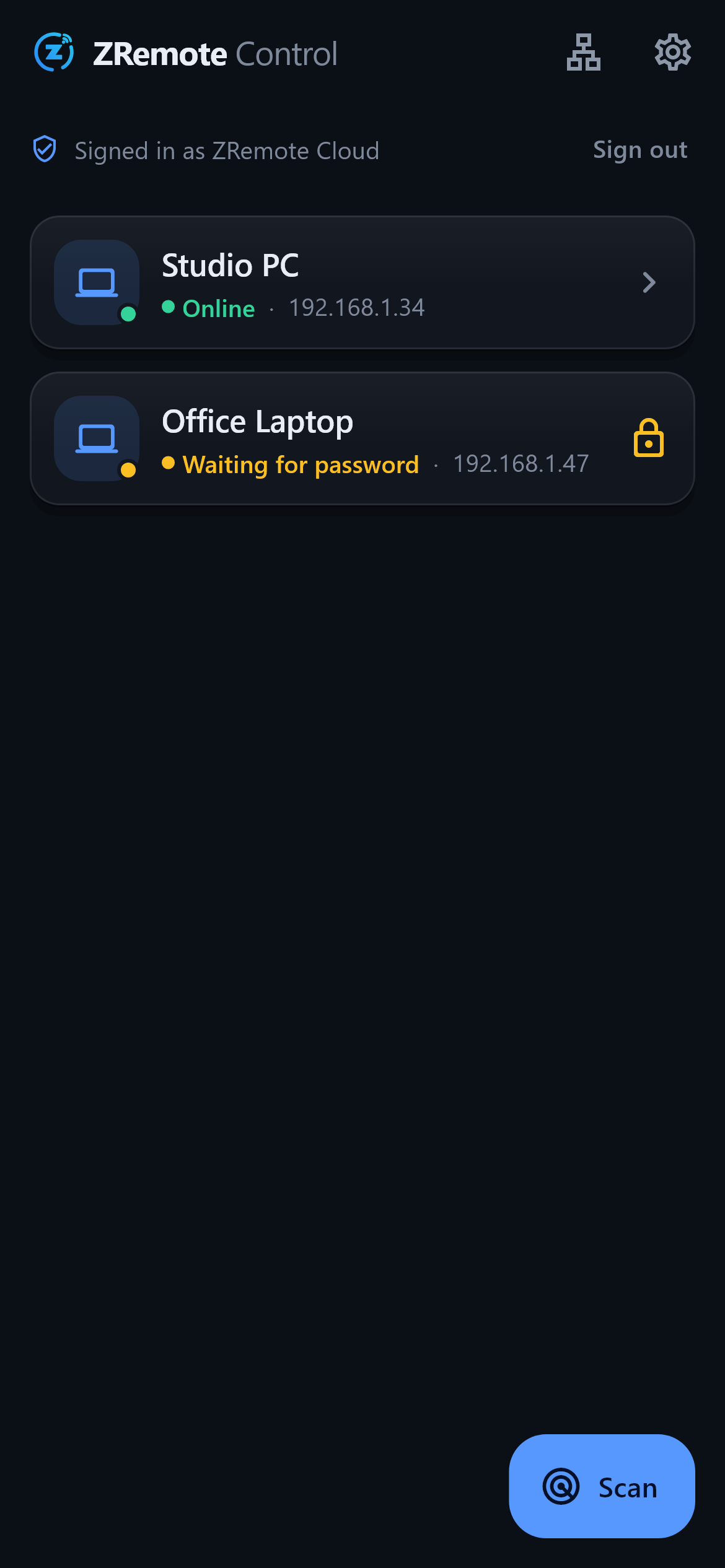
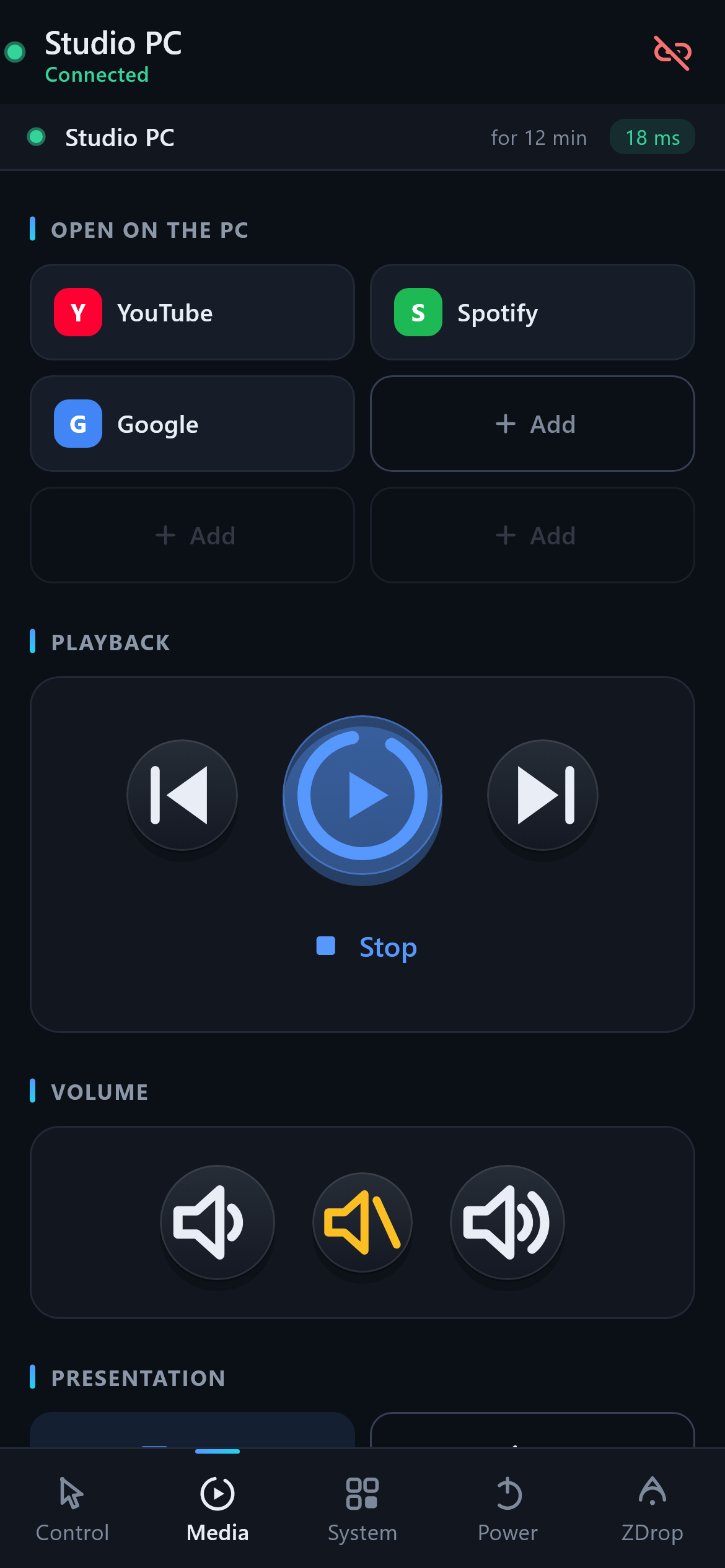
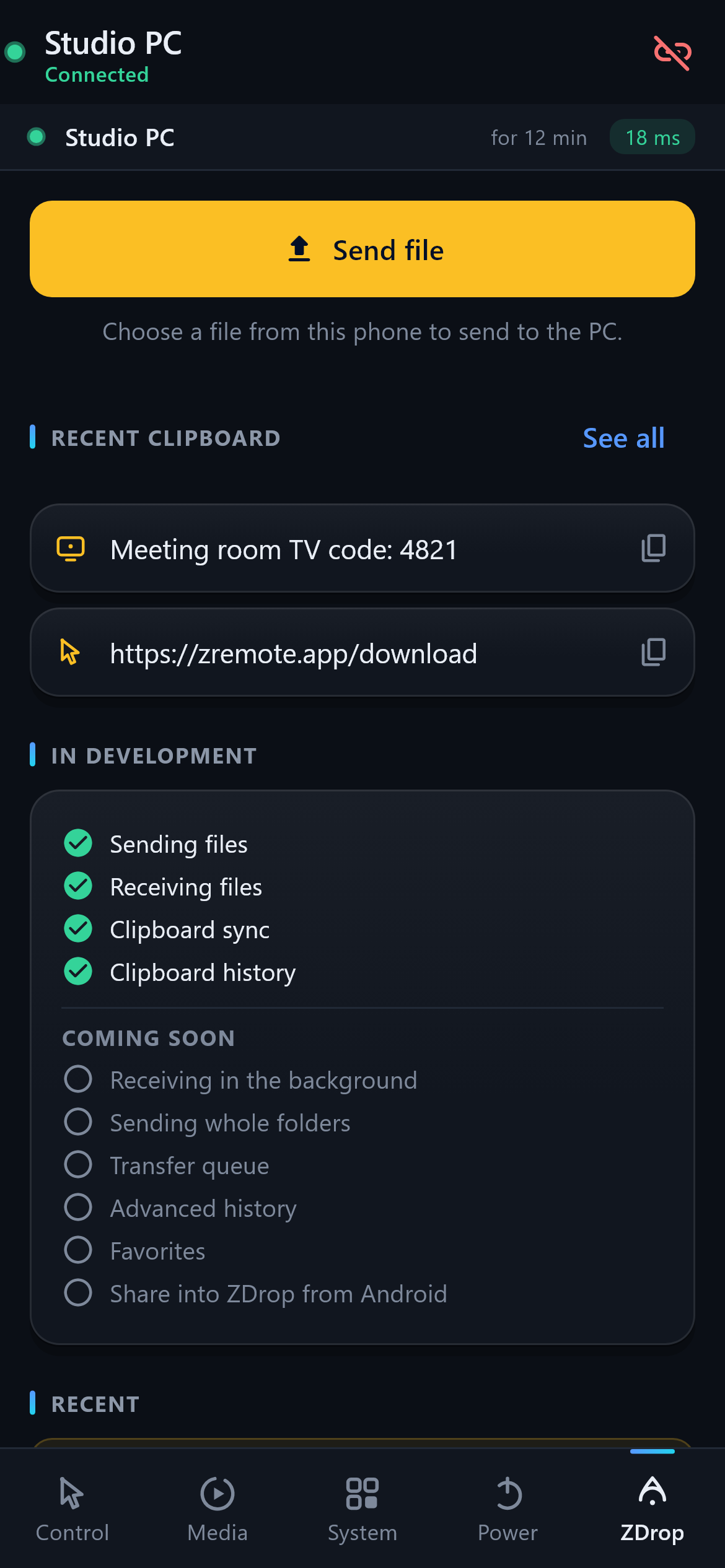
From opening the app to controlling the screen — no cuts, no fine print.
Remote desktop suites are built for IT support across the internet. ZRemote is built for the couch, the classroom and the meeting room.
| ZRemote Control This app | Remote desktop suites IT remote desktop tools | Basic remote apps Free phone remotes | |
|---|---|---|---|
| Phone-native controls (trackpad, gyro, media, slides) | Yes. Purpose-built | Partial. Screen mirroring first | Yes. Usually the whole product |
| Live PC screen streaming | Yes. Built in | Yes. Core feature | No. Rarely included |
| Two-way file transfer | Yes. Shared folder | Yes. Included | No. Rarely included |
| Account and subscription sync | Yes. Built in | Yes. Vendor account required | Partial. Varies |
| End-to-end encryption on your LAN | Yes. TLS 1.3 + pinning | Yes. Included | No. Often plain text |
| On-screen notice when someone connects | Yes. Always visible | Partial. Depends on config | No. Usually none |
| Internet access outside your Wi-Fi | Yes. P2P plus relay fallback | Yes. Native relay | No. Usually LAN only |
| Made for personal and classroom use | Yes. Built for it | Partial. Aimed at IT departments | Partial. Usually ad-supported |
Comparison describes product categories in general terms, based on how these tools are typically positioned. Feature sets of third-party products change — check their current documentation before deciding.
Including the ones most products avoid.
Yes, and that is on purpose. ZRemote is two halves: a small app that runs in the Windows tray and the phone app that controls it. Without the PC app installed and running, nothing can be controlled. No hidden agent, no silent install.
No. Every time somebody connects — to control the machine or to see the screen — a notification appears on the PC. It requires your account credentials, and the tray icon is always visible. We deliberately did not build a hidden mode.
Both the command channel and the screen channel run over TLS 1.3. The app pins the PC certificate on the first connection and refuses to connect if it ever changes, which blocks an impostor on the same network. Your password never travels: the app sends a SHA-256 token derived from it.
Account, subscription, device presence and connection setup use ZRemote Cloud. Commands, files, chat and screen frames travel encrypted between your devices; when relay is needed, the server forwards encrypted bytes and does not store or read the session contents.
Yes. ZRemote tries peer-to-peer first and falls back to the cloud relay when NAT or a firewall prevents a direct path. A mesh VPN still works as an optional manual path.
Free links 1 computer, Plus links 2, and Premium links 5. That limit only applies to the computers linked to your account — there is no separate cap on how many phones or tablets you use to control them.
Not yet. The PC app is Windows 10/11 only, because it uses native Windows APIs for input and screen capture. macOS is on the roadmap. The phone app already builds for both Android and iOS; Android ships first.
Currently around 7–12 frames per second at high quality, using GDI capture with JPEG frames. It is excellent for checking on something, driving a media player or fixing a setting — it is not intended for gaming. Moving to hardware capture and H.264 for much higher frame rates is a roadmap item, and we would rather tell you the real number now.
The Free plan is not a trial — it does not expire. It links one computer and works on your own Wi-Fi. A 7-day free trial is planned for the first Plus or Premium subscription, which will be sold inside the Android app; Google Play always shows the exact price and trial terms before you confirm anything. Nothing is purchasable yet, because the app is not published.
That is Microsoft SmartScreen reacting to a new, unsigned executable — it happens to every small publisher before a code-signing certificate builds reputation. Code signing is on our launch checklist. Until it is in place, download ZRemote only from zremote.app.
Published openly, because a roadmap you can read is worth more than a promise you cannot.
What separates them is how many computers you can link and how much you can use ZRemote away from your own Wi-Fi.
Your own Wi-Fi, no time limit.
Free
Not a trial. It does not expire.
Reach your PC when you are out.
Price set in Google Play
Everything in Free, plus remote access over the internet.
No allowance to think about.
Price set in Google Play
Everything in Plus, without the monthly allowance.
Plus and Premium prices are configured in Google Play and shown inside the app before you confirm. They are not on sale yet, because the Android app is not published.
A 7-day free trial is planned for your first Plus or Premium subscription. Billing starts when the trial ends, subscriptions renew automatically, and you cancel in Google Play under Subscriptions — cancelling keeps the plan running until the end of the period you already paid for.
Read the full termsZRemote needs the PC app and the Android app. Install the PC app on the Windows computer you want to control; Android will be distributed through Google Play.
Install this on the Windows PC you want to control with ZRemote.
Self-contained. No .NET installation required.
Turn your Android phone into a complete remote control for your PC — on the same network or through ZRemote Cloud when remote access is available.
Installation will happen through the official Google Play listing.
ZRemote Control requires the Android app and the ZRemote Windows agent to control a PC. One without the other does nothing.
About the Windows SmartScreen warning The first public Windows builds may display a Microsoft SmartScreen warning while code signing is being finalised. Always download ZRemote only from zremote.app.
Bug report, licence question, data request, or an idea for what we should build next — write in English or Portuguese.
ZRemote is finishing its release preparation. Check what is available today and what is still on the way.